Teach,
don't fix-for.
We don't take your phone behind a counter. You open it, you fix it, we sit next to you. Five programs, one rule.
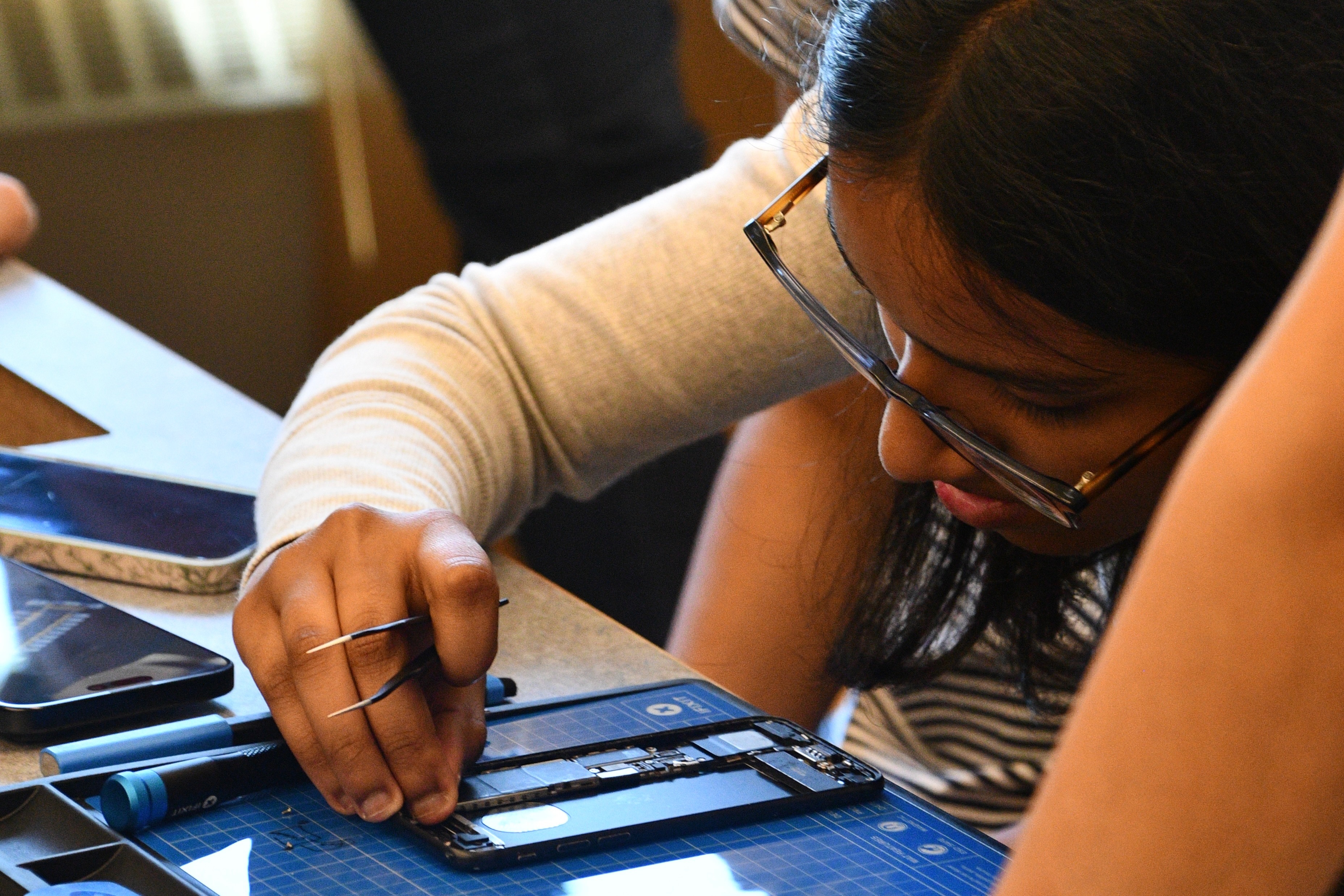
Weekly Repair Workshops
A 12-week tech literacy curriculum that restarts every cycle, per chapter. Drop-in friendly — no signup required to attend, and you can join at any week. Each chapter's library runs its own signup form if you want a seat held.
You'll open real hardware from week one. By the end you can judge a repair-or-replace call, swap a battery, and spot an online scam from across the room.
Find your chapter's schedule →12 weeks, then it restarts.
Miss a week? Catch it next cycle. Every chapter runs the same loop.
Every seat gets real tools and a real machine. The Granite devices get repaired, taught on, and — when they're fixed — refurbished and given away.
Senior Tech Support
One-on-one, currently at Southgate Senior Center. Bring the device that's been bugging you and the questions you've been embarrassed to ask. There are no dumb questions here — we've heard them all, and we asked most of them ourselves first.
Prefer to learn at home, at your own pace? We built Susu for exactly that — free, jargon-free, judgment-free.
Southgate details →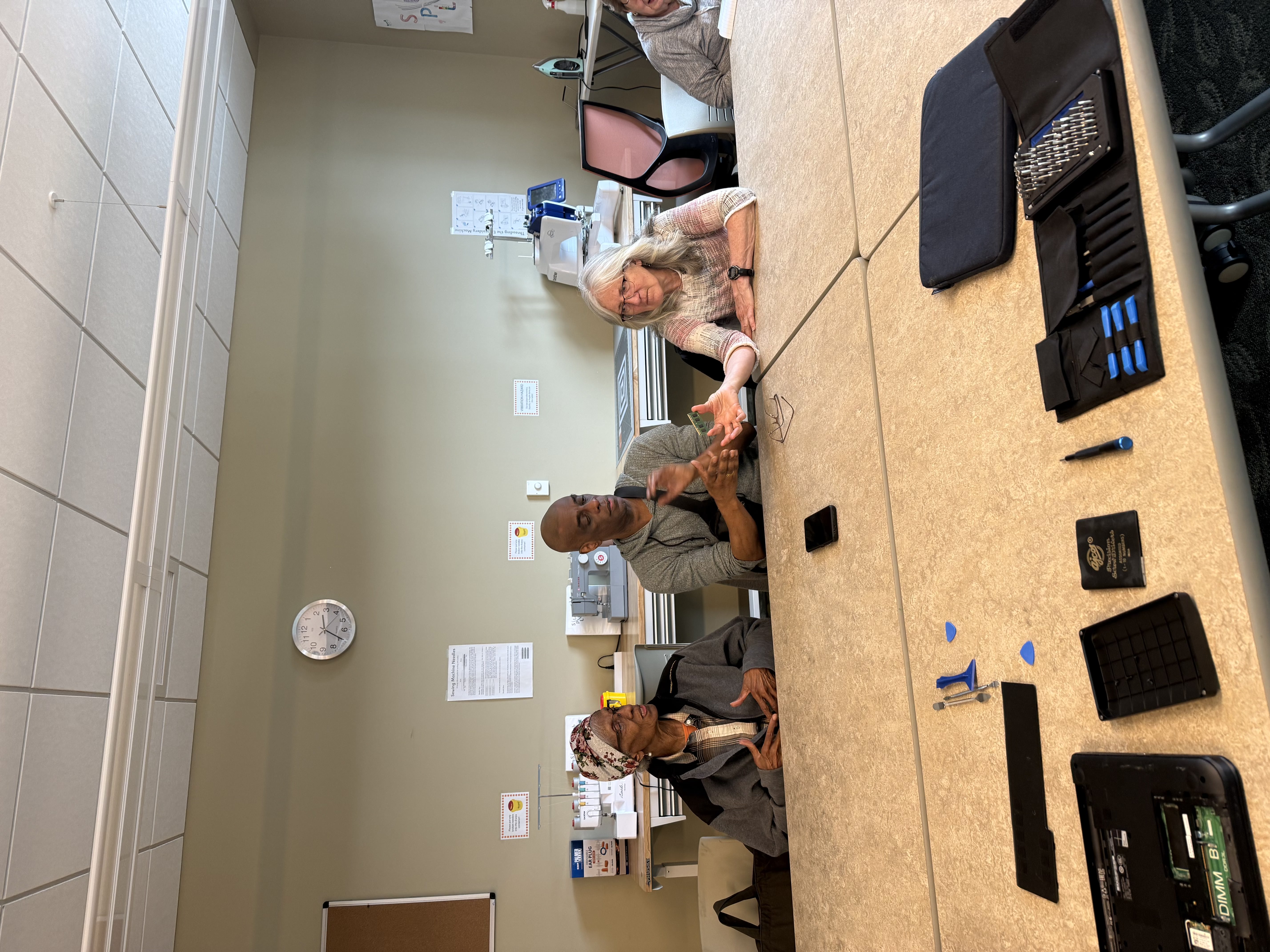
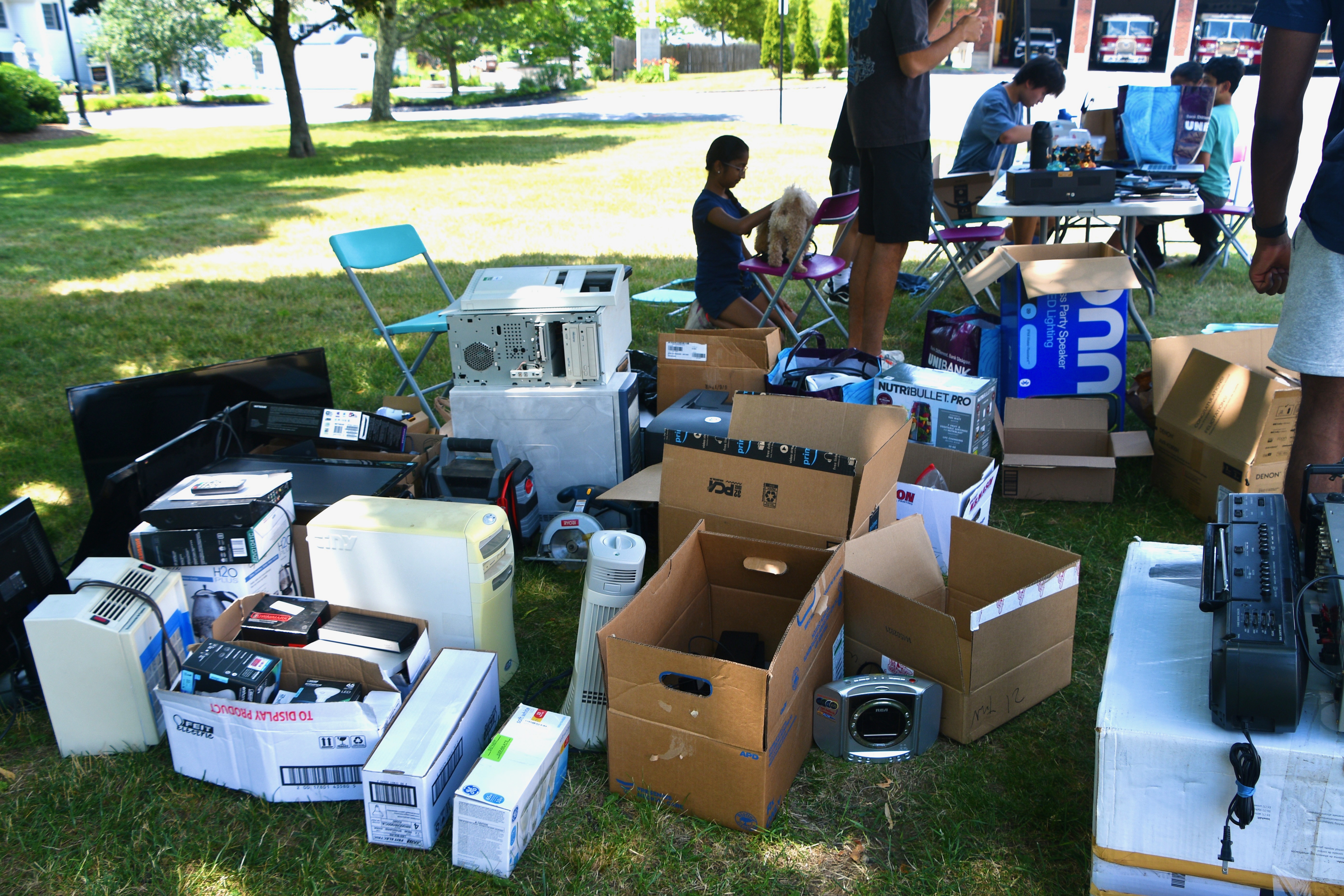
E-Waste Drives
Periodic collection days. Every device that comes in gets triaged into one of four tiers — nothing gets landfilled by default:
Worcester Laptop Donation
Refurbished laptops from our e-waste drives, given free to Worcester residents who need one and don't have one. No strings — just an application and a quick eligibility check.
Every machine we hand out has already passed through Tier 2 refurbishment: wiped, tested, and set up to go. Apply and we'll follow up about pickup.
Apply for a laptop →Shrewsbury School District Program
In-school repair sessions at Sherwood Middle School and Oak Middle School, taught by our Shrewsbury chapter. Same rule as everywhere else: students open the device themselves.
Built for classroom schedules — shorter sessions, tied to school terms, run in partnership with district staff.
Find your chapter's schedule →A full teardown, sped up.
What twelve weeks builds toward: opening a device without fear. Straight from a real bench, sped up.